
The advanced surface editing challenge! Leapfrog Geo Mastery Session 5

In session five, I am going to show you how to gain granular control over your geological models by using advanced surface editing in Leapfrog Geo. Once we wrap up, I want you to put these new skills to the test and have some fun with our next challenge.
Here’s how you can join in:
• Get the demo data: Download the files here
• Create a new project: Start a new Leapfrog project and import the drillhole data
• Create a geological model: Set up a geological model and then create an intrusion surface
• Copy the intrusion: Duplicate the intrusion so you have at least two versions of the surface to compare
• Enable advanced editing: Turn on advanced surface editing for your copied intrusion
• Apply different parameters: Choose two different parameters of your choice to see how they change the shape of the surface
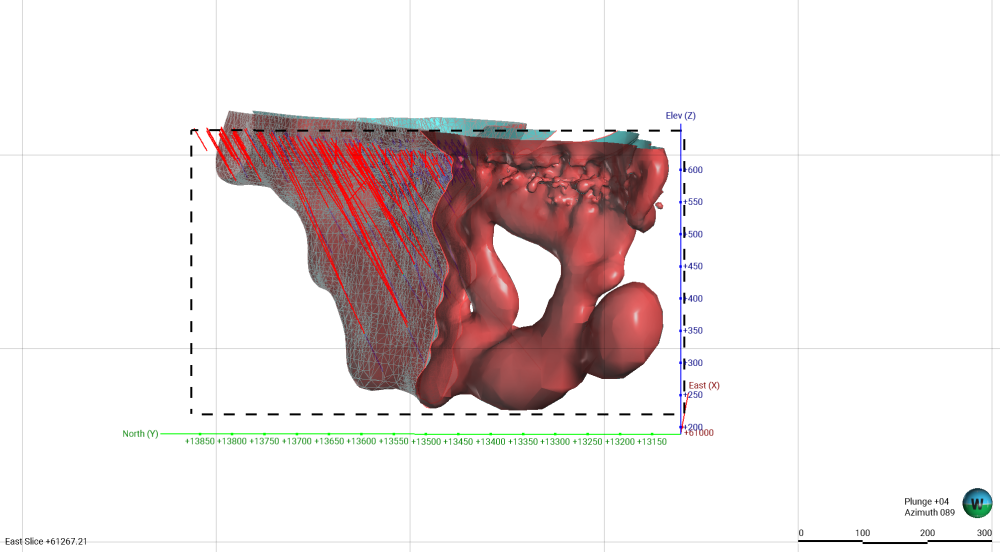
• Compare your results: Use a slice view to compare the two surfaces side by side
• Share your work: Post a screenshot of your slice view in the comments
We’ve got some Seequent merchandise packs up for grabs for the first 20 people who share their screenshots.
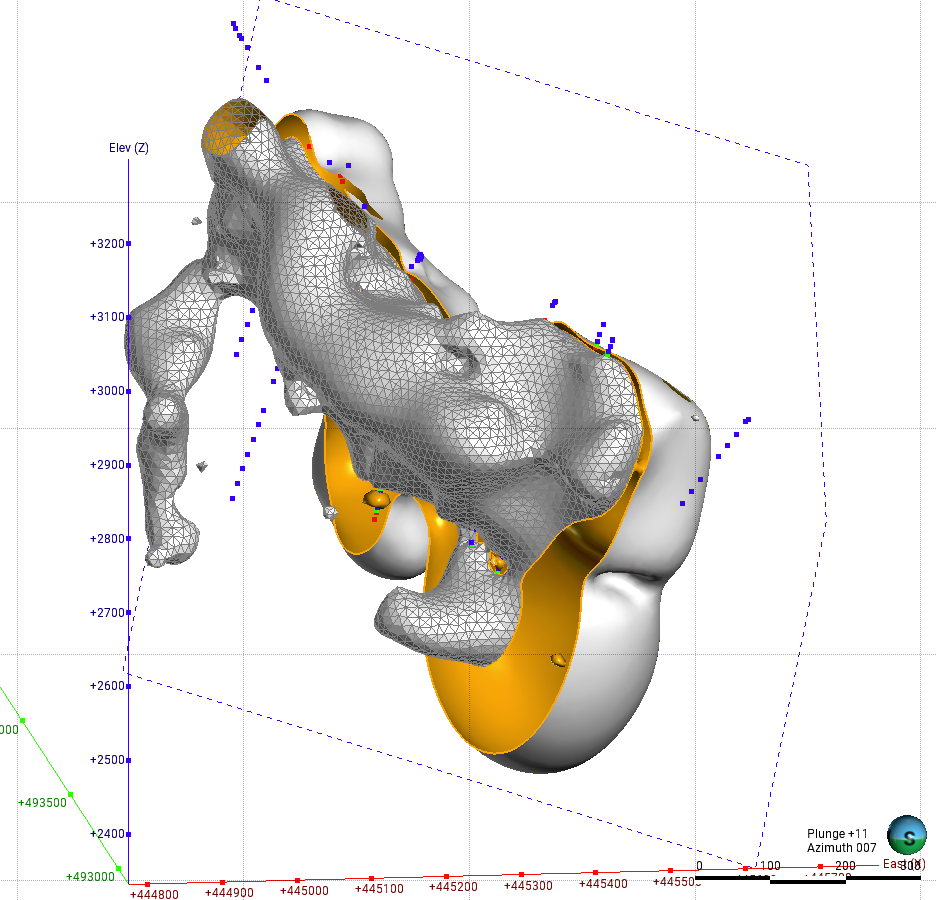
Give it a go! I’m excited to see what you come up with after the session (example below!)
Comments
-
-
Thanks Niklas, today's session was a very insightful.
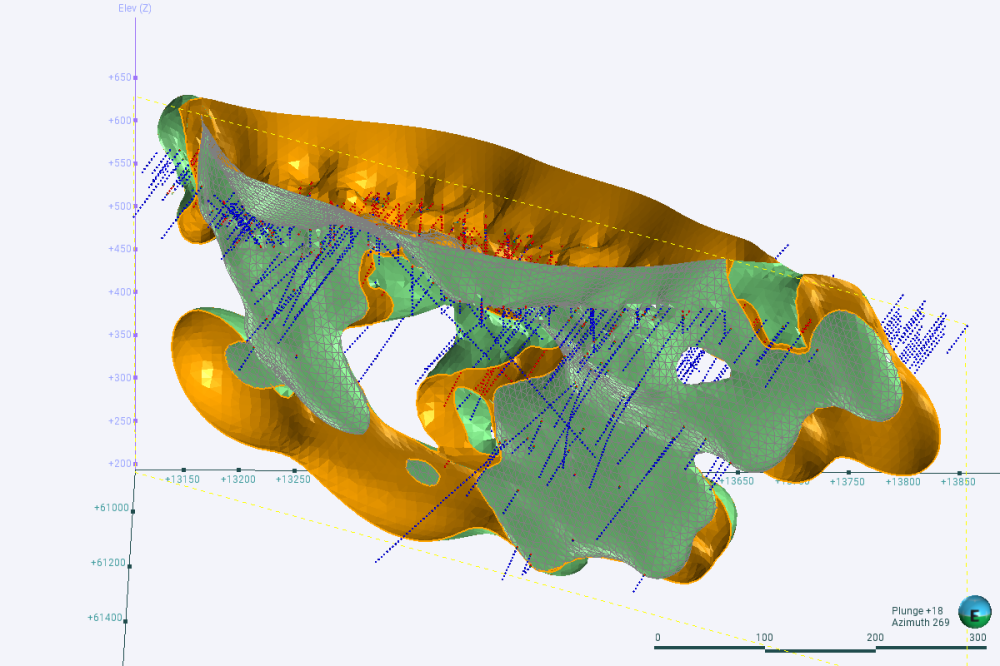
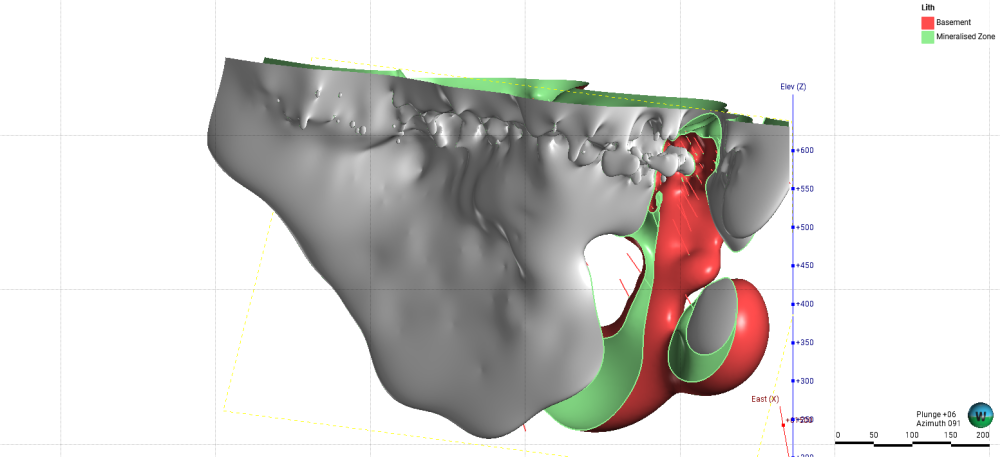
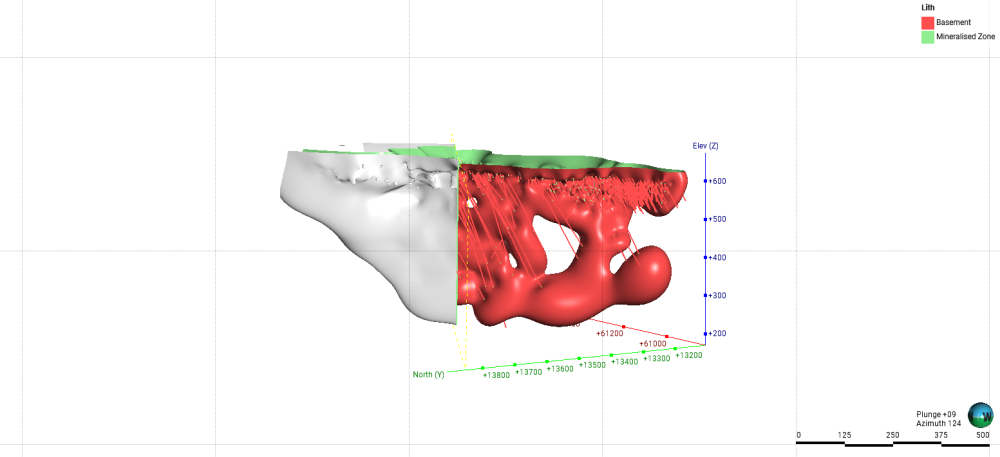
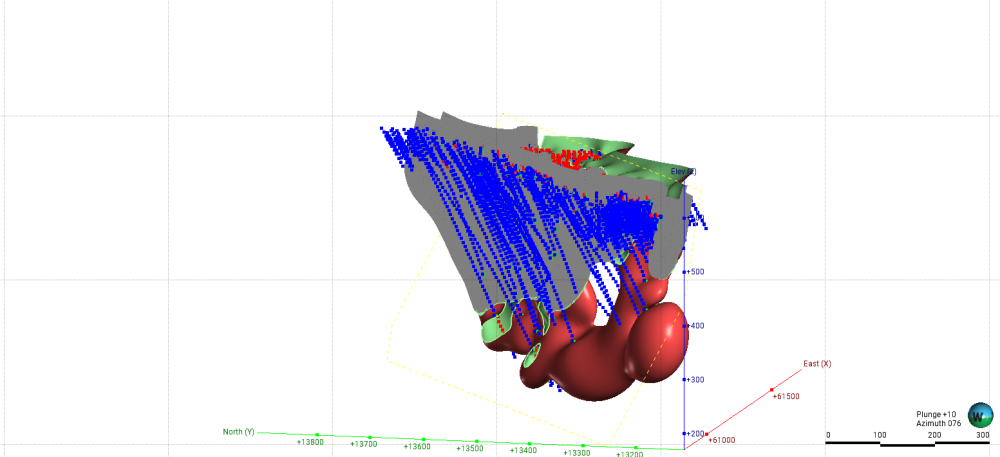
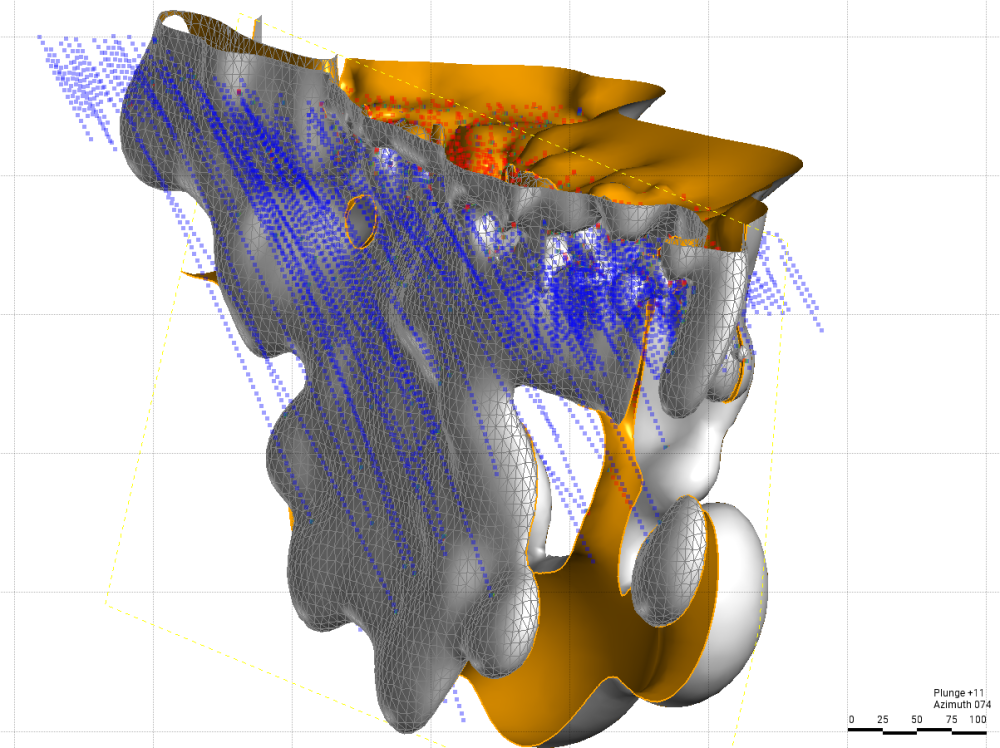
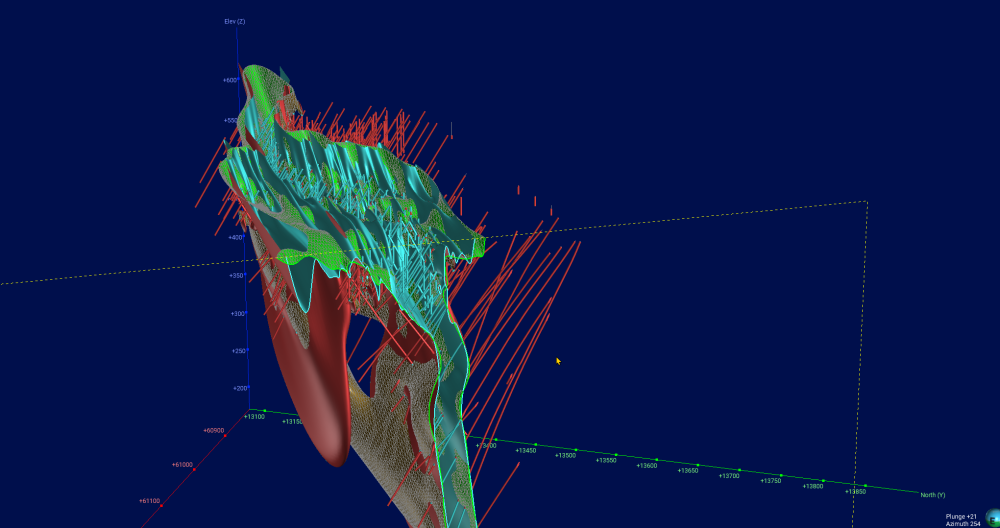
Below is my slice view comparing the two intrusions:
 2
2 -
I applied a relatively simple approach without introducing complicated modelling techniques. The main adjustments are:
- Applying a simple geological trend to guide the mineralisation.
- Tuning the compositing parameters.
- Testing and tuning the interpolation method and related parameters.
These are the initial results, and I’m planning to further improve and refine the model in the next stage.
 1
1 -
-


Categories
- All Categories
- 290 Community
- 16 Latest Releases
- 16 Member Spotlight
- 1.1K Products
- 565 Geology
- 538 Leapfrog
- 1 Volsung
- 26 Visible Geology
- 36 Data Management & Collaboration
- 14 MX Deposit
- 13 Central
- 9 Imago
- 136 Geotechnical
- 136 GeoStudio
- 332 Geophysics
- 321 Oasis montaj
- 1 Workbench
- SPIA
- 10 Res2DInv & Res3DInv
- 3 Evo
- 27 GX Developer