Splitting host rock into sub-zones using mesh intrusions — dynamic workflow?

Hey community! Question about dynamic geological model using closed meshes as dividers
I'm trying to build a geological model in Leapfrog Geo 2025.3 with the following setup:
- 1 envelope mesh (HOST ROCK) — the main host rock
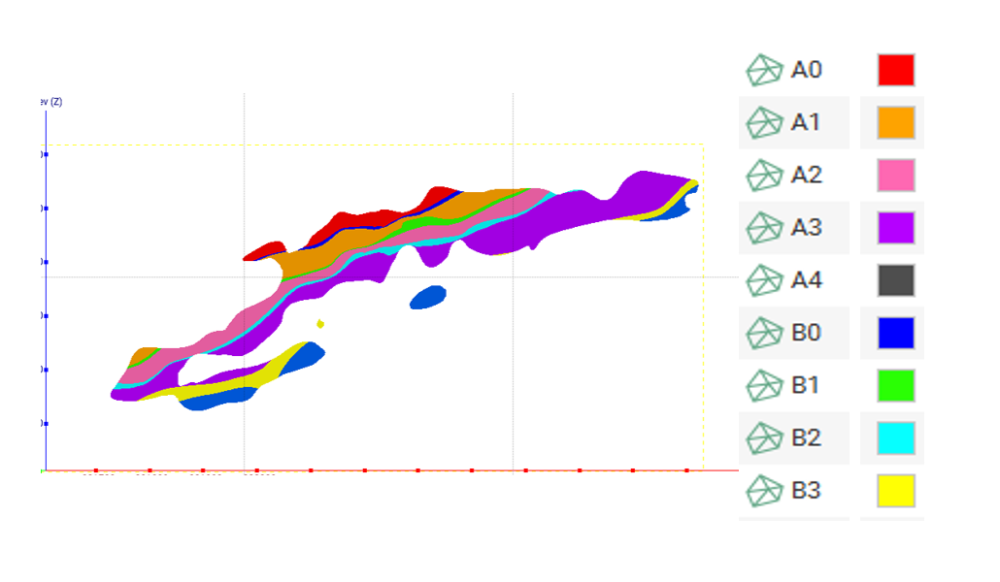
- 4 tabular body meshes (B0, B1, B2, B3) — geological dykes that crosscut the HOST ROCK
- My goal: HOST ROCK should be divided into 5 separate lithologies (A0 to A4) by the 4 B bodies, and the model should update dynamically when the B meshes are revised by the geology team
So far, I've successfully modeled the B bodies as Intrusions from mesh inside a Geological Model and they correctly cut the HOST ROCK. However, I cannot get the HOST ROCK to split into the 5 zones (A0 through A4) as separate named lithologies in a dynamic way.
My limitation: I only have closed mesh solids — no point data, no surfaces and no drillhole data.
I'm attaching one image showing the current state — you can see the B bodies (dykes) cutting the HOST ROCK (As), but all as separate meshes with no drillhole data
Any ideas are welcome. Thanks in advance! 🙌
Comments
-
Easiest would be if the original material would come in as HW and FW meshes then you can create a deposit layering to create the effect you want. That does come with it's own challenges since they would need to cross the entire boundary in order to work.
I came up with a way that is somewhat dynamic.. There is probably some room for improvement here.. Essentially it comes down to create the A splits in Leapfrog using static offsets and Mesh Operations.
Example, note the pink and purple colour not going all the way out since I wanted to test this assuming that the B units didn't go all the way out all the time.. And I only tested this in simple shapes..
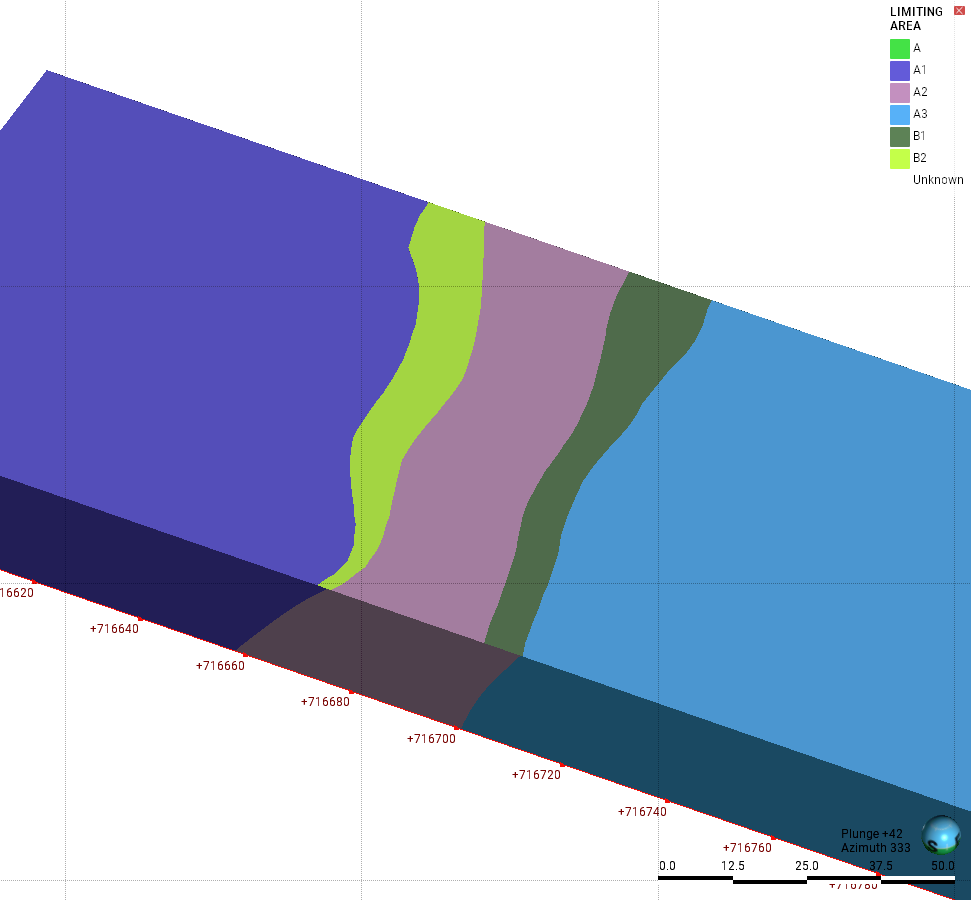
Mesh Preperation
- Import /reload the Meshes
- Import /reload the B meshes again
- Set an offset on them (my example uses 1m in X)
- Clip the A mesh using the B meshes so you get it split up into individual parts (still in the same objects). This step would need to be repeated a few times unless you do a Boolean Mesh first. Img below.
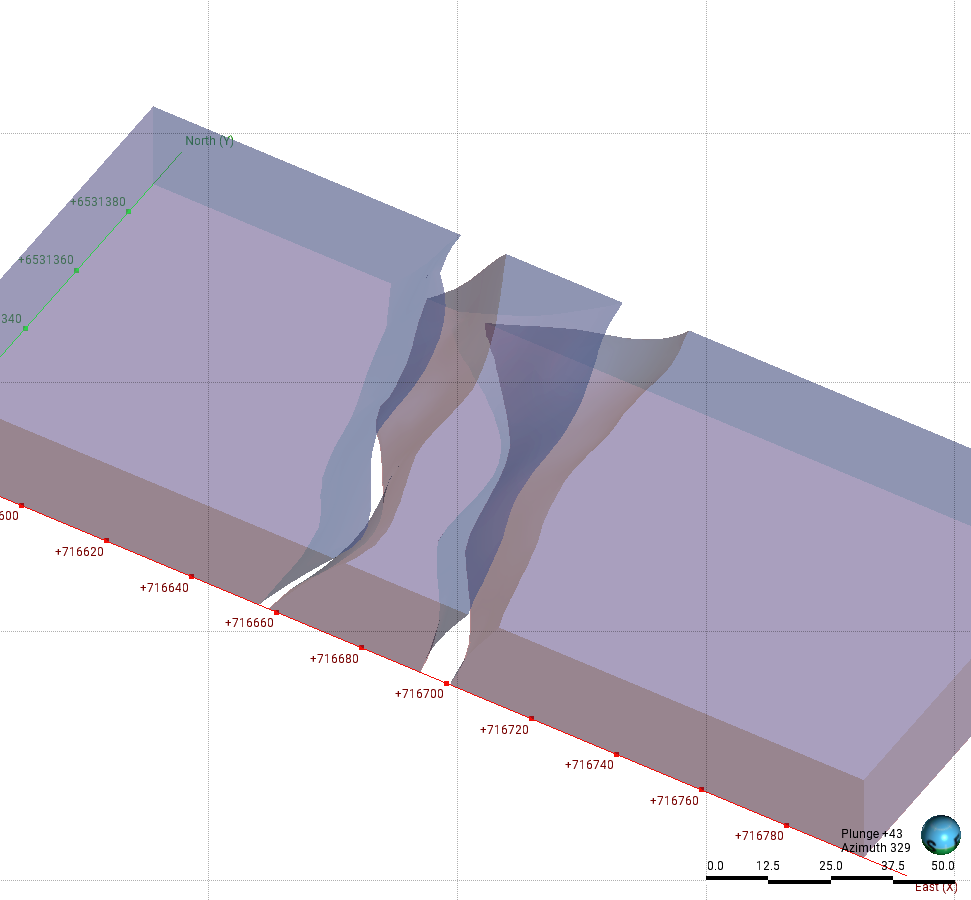
- Clip the offset B meshes using the Clipped A mesh. (it's the wireframe mesh in the img.) Ideally I want this in the middle of the B unit.
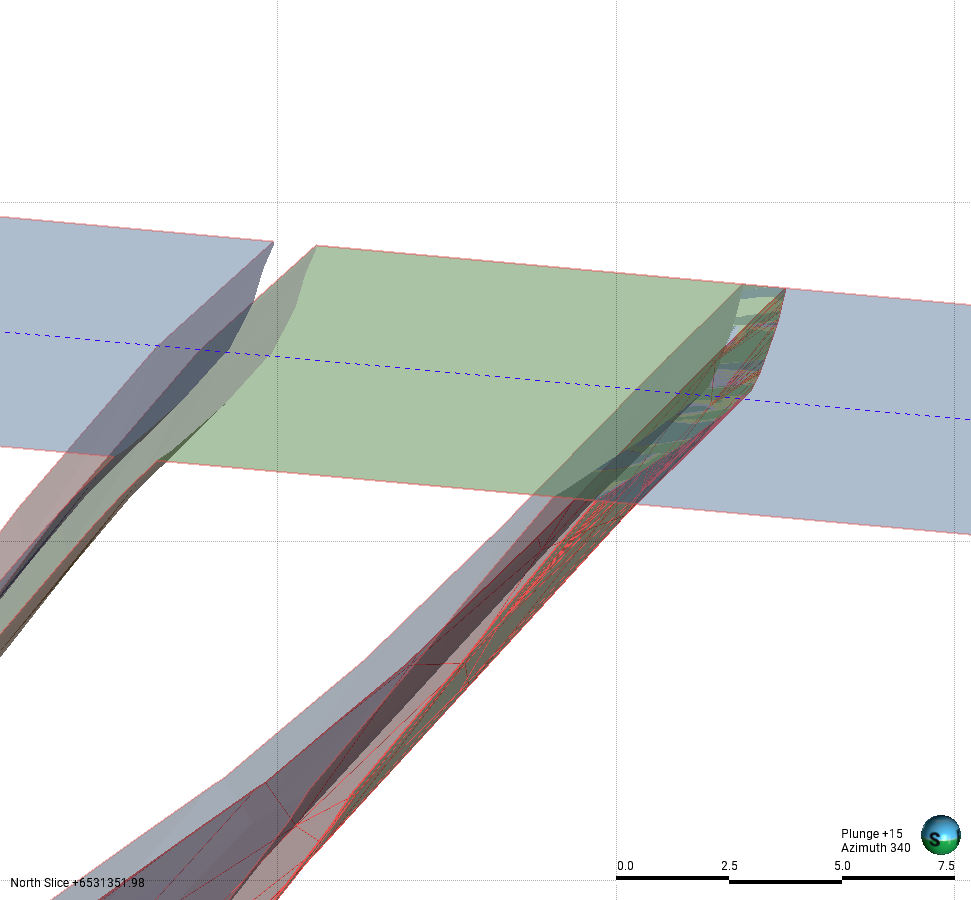
Geological Model
- Create a stack of Deposits from OFFSET surface to generate the background A units. I used 1.1m offset to get it in the right location. You might have to play with this one.
- Add the B units as Intrusions as before.
Not super simple, but can be done..
The only way is forward!1 - Import /reload the Meshes
